

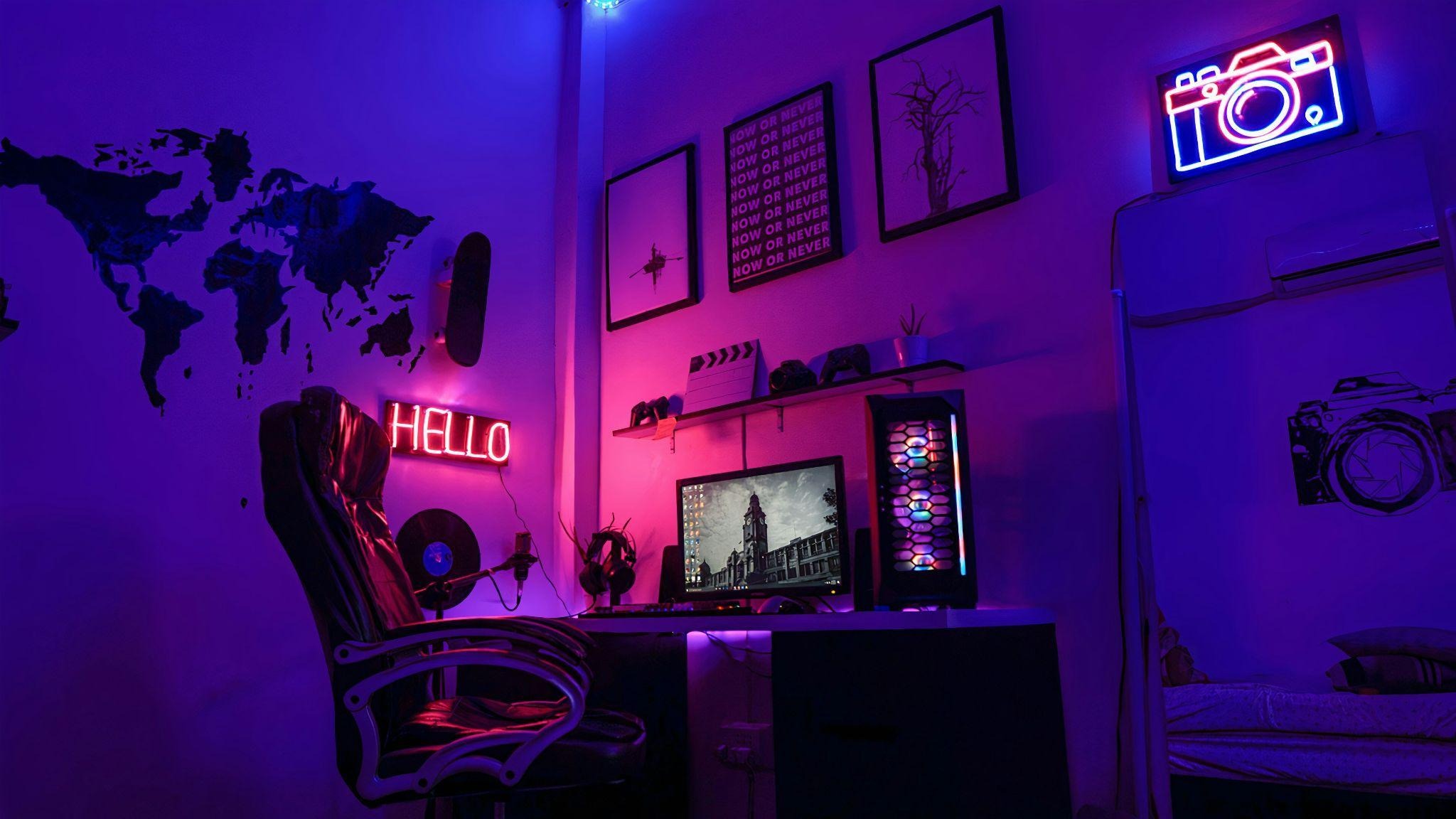
Photo by Chuck Fortner on Unsplash
A great gaming room is not necessarily the one with the biggest television, the longest desk, or the most equipment. In fact, adding too much is one of the quickest ways to make a gaming space uncomfortable. Consoles, monitors, speakers, chairs, controllers, collectibles, and cables can consume a room surprisingly quickly.
The better approach is to design around how you actually play. A PC setup for one person requires a completely different layout from a room designed for console gaming with friends, VR sessions, or several types of entertainment. By establishing those priorities before buying furniture, you can create a gaming room that feels complete without sacrificing valuable floor space.
Plan the Gaming Zones Before Buying Furniture
The most expensive space-saving mistake is buying furniture first and figuring out the layout afterward. A huge gaming desk might look impressive online but become frustrating when it blocks a doorway or leaves barely enough room for a chair. Start with measurements instead.
Mark the position of doors, windows, electrical outlets, radiators, and any permanent features. Then decide where the main gaming activity will happen. For a PC setup, the desk and chair usually form the central zone. Console players may prioritize the relationship between the screen and seating instead. VR requires something completely different: open floor area where movement is possible without hitting furniture.
Remember to measure the space required to use furniture, not merely the furniture itself. A desk may technically fit against a wall, but the setup fails if the chair cannot move backward comfortably.
If several gaming styles share the room, give each one a defined purpose rather than duplicating equipment unnecessarily. One screen might serve both a console and streaming setup, while a single comfortable seating area can handle gaming, movies, and time with friends.
Use the Walls Instead of Filling the Floor
When floor space is limited, walls become some of the most valuable real estate in the room. Controllers, headphones, games, collectibles, and accessories do not all need separate cabinets or pieces of furniture.
Floating shelves can display favorite items without sacrificing walking space. Pegboards work particularly well for equipment that changes frequently because hooks and small shelves can be rearranged. Headphone mounts, controller holders, and cable organizers can keep frequently used equipment accessible without covering the desk.
A wall-mounted television can also eliminate the need for a bulky entertainment unit, although some storage may still be useful for consoles and accessories. If you do use a media cabinet, choose one according to what actually needs to go inside rather than filling an entire wall simply because the space is available.
Be selective with collectibles too. Displaying every game box, figure, poster, and piece of memorabilia at once can make even a large gaming room feel crowded. Rotating a smaller collection creates visual interest while allowing the room to retain some breathing space.
Make the Room Work Beyond Gaming
Photo by Raviraj Singh Tomar on Unsplash
A dedicated gaming room does not have to perform only one function. This becomes especially important when converting a basement, spare bedroom, loft, or larger recreation area where several household interests compete for space.
Think in terms of compatible zones. A desk can support gaming during the evening and ordinary computer use during the day. Comfortable seating can work for multiplayer sessions, movies, and reading. In a larger entertainment room, the gaming setup might occupy one side while another activity takes advantage of an awkward section that would otherwise remain unused.
Corners deserve particular attention because conventional furniture often leaves them underused. Making those areas functional often requires choosing features designed specifically for that footprint rather than forcing standard layouts to fit. The corner sauna designs featured at https://premiumsaunas.com/collections/3-person-corner-saunas illustrate the same planning principle, showing how an unconventional part of a room can become one of its most purposeful spaces. A gaming room benefits from the same approach by reserving long walls for larger equipment while giving overlooked corners a clearly defined role.
This approach is particularly useful in basements and multipurpose recreation rooms, where the objective is often to accommodate several interests without making the space resemble a storage unit.
Control the Cables Before They Control the Room
Nothing makes an otherwise carefully designed gaming room look cluttered faster than cables running in every direction. A gaming PC, multiple monitors, speakers, chargers, consoles, lighting, and network equipment can create a surprising amount of wiring.
Cable management is easiest when planned alongside the furniture rather than added afterward. Position the desk near the outlets you expect to use, and consider where cables need to travel before permanently mounting screens or shelves.
Under-desk trays can keep power strips and excess cable length off the floor. Reusable cable ties help group wires that follow the same route, while clips can prevent charging cables from constantly disappearing behind furniture.
Leave some flexibility in the system. A setup that is perfectly organized but requires dismantling the entire desk whenever you add a controller charger is not particularly practical. Gaming equipment changes, so cable management should allow components to be removed and replaced without starting again.
Good organization has another advantage: it makes cleaning much easier. An open floor without loose wires and adapters can be vacuumed quickly instead of turning routine cleaning into a technical operation.
Leave Some Space Deliberately Empty
The temptation when building an “ultimate” gaming room is to fill every available surface. Empty space can feel unfinished, especially when there is always another accessory, chair, shelf, or piece of gaming equipment that could theoretically be added.
Resist that impulse.
A comfortable room needs circulation space. You should be able to enter, move the gaming chair, access storage, reach equipment, and sit with another person without navigating an obstacle course. Empty floor area also gives the room flexibility when friends visit or when a new gaming system eventually changes the setup.
Lighting can provide an atmosphere without occupying much space. LED strips behind a monitor or desk, compact lamps, and carefully positioned ambient lighting can transform the room without adding another large object. The same applies to acoustic improvements: strategically placed soft furnishings can help make the room more comfortable without overwhelming it.
Most importantly, allow the gaming room to evolve. Build the core setup first and use it for a while before deciding what is missing. You may discover that you need another shelf, better lighting, or additional seating. You may equally discover that the room already works perfectly well.
The ultimate gaming room is not defined by how much equipment can be squeezed inside it. It is a room where the screen is positioned correctly, the chair can move freely, equipment is easy to reach, cables are under control, and there is still enough open space to feel comfortable.
Design around those priorities first. Everything else can be added only when it earns the space it occupies.
