

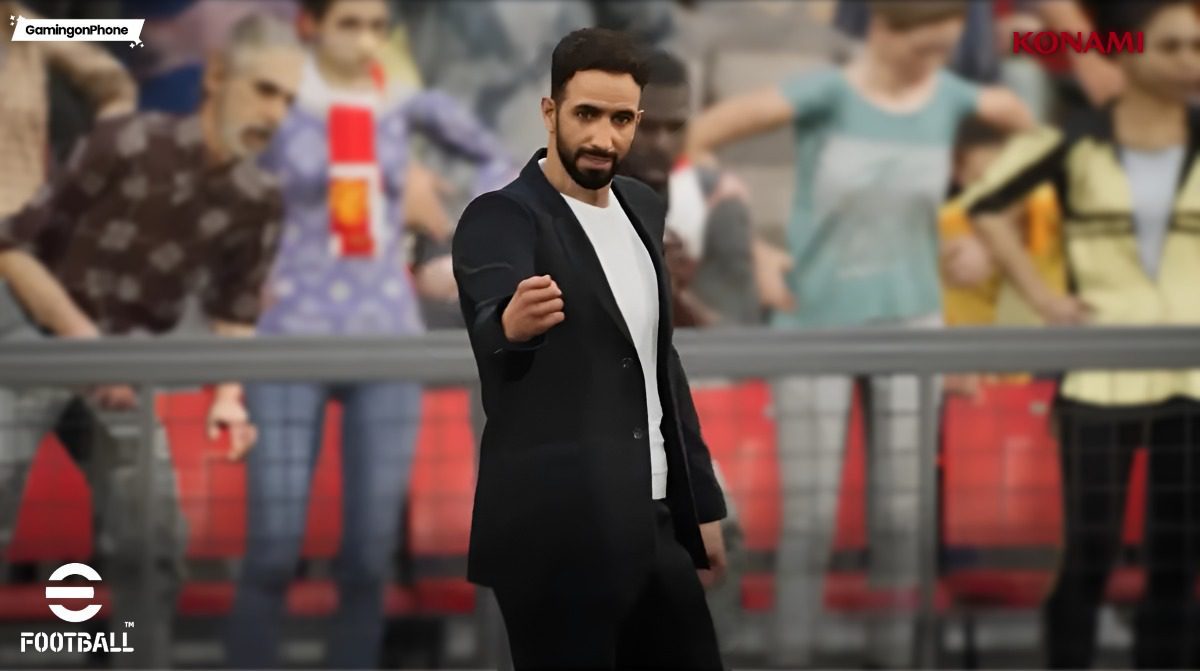
- Know how to get the best performance in eFootball.
A lot of you have been asking me about the best settings to use in eFootball 2026 Mobile, whether it is graphics, controls, cursor switching, feints, or even small gameplay tweaks that can actually improve your performance.
So instead of replying separately every time, here is a simple guide explaining the best settings you should use and the ones you should avoid for a smoother experience in eFootball 2026, alongside Game Plan settings for team performance.
Graphics Settings
- Frame Rate: Always set the frame rate to 60 FPS. Higher FPS makes dribbling smoother, defending more responsive, and player movement feels less delayed.
- Graphics: Standard quality is good enough for both Player and Stadium. High only if you have a high-end device.
Basic Controls
- Smart Assist: Keep Smart Assist OFF. If you want proper manual control, this should stay disabled. If you feel you can’t win matches without it, go ahead.
- Control Type: Both Virtual Pad and Touch & Flick are good, so it mainly depends on your comfort level.
- Directional Stick Type: Use Move if you want flexibility.
- Cursor Change: As a Manual user, I prefer you use Semi-Auto. This is the best balance for most players. The AI helps with switching, but you still have enough manual control when defending counters or covering runs.
- Movement Input Range: Set this to Medium. From my experience, Medium gives the best balance between movement precision and responsiveness.
- Flexible Auto Control: Keep it ON.
- Feint Command Type: Advanced Feint is the best option for competitive players. But smart is the right way to begin with.
eFootball 2026 Gameplay settings (Image via KONAMI)
Touch and Flick Commands
- Cursor Change Controls: Select Tap for quick switching.
Virtual Pad Commands
- Defending Control Type: Use Standard if you want full manual defending. Use Pressure if you want the AI to help close opponents down automatically. Down to your defending style.
- Button Configuration: Your convenience.
- Button Opacity: Now this is important. With the game giving us this option, it is better to use it fully, and you can do so by setting the button opacity to around 20%. This keeps the controls visible without blocking too much of the screen, especially during defending and quick passing sequences.
Match Screen
- Cursor Type: Use Player Name.
- Next Player Indicator: Toggle ON.
- Advice: Depends on your liking if you want or not. My advice is Toggle OFF.
- Pass Search Guide: I switched it OFF, but it is a nice feature to have.
- Attack/Defence Level: Toggle ON. Important feature.
- Display Radar: Toggle ON, always great to check the screen.
- Stamina Gauge: Keep it ON.
- Diplay Player Names Opponent’s Team: Toggle ON.
- Own Team Cursor Type: Co-op: Username.
Now that I have explained settings for the gameplay side, you also have a few features inside the Game Plan that you should take note of.
In-Match Roles
From Captain to Penalty Kick taker, you can choose any player of your liking. One simple tip would be to have a right-footed player take the left corner kick, and vice versa.
- Player to Join Attack: Assign a Center Back (CB) with 90+ heading to “Attack 1” and a high-rated Center Forward (CF) to “Attack 2” to maximize threat during set pieces. Do not use both your CBs; a CB+DMF combo is also fine alongside the CF for all three attack slots filled.
eFootball 2026 Game Plan settings (Image via KONAMI)
Automatic Match Support
- Substitutions: Keep this Off or Flexible. I enjoy keeping it flexible, and I don’t need to pause my game in the middle.
- Offside Trap: Now, this is a tricky situation. What worked for me is to toggle it ON for high-line playstyles such as Possession Game and Quick Counter. For the rest, which use a low-block or a deep-line defense, this isn’t required.
- Attack/Defense Level: You can manually toggle in during the match, so keep this OFF.
More eFootball 2026 guides and content:
For more Mobile Gaming news and updates, join our WhatsApp Channel, Telegram Group, or Discord server. Also, follow us on Instagram, Twitter and Google News for quick updates.
Follow Us
